Hands and faces are the two things AI video breaks most often, and the two things a viewer notices fastest. It happens because the model has no memory between frames and has to resolve enormous structural detail, joints, fingers, facial geometry, packed into a small part of the image every time it generates. This guide covers why that happens and what fixes it. For distortion more broadly, see our companion guide on avoiding distortions in AI video.
Why Hands and Faces Break More Than Anything Else in the Frame
Hands pack an enormous amount of detail into a small area. A hand has multiple joints that bend in specific directions, and fingers that overlap, curl, and interlock in ways that are structurally complex even for a human artist to draw. Compressed into a small region of the frame, that density of detail is exactly the kind of thing a generative model struggles to resolve consistently. The model has to get the number of fingers right, the joint angles right, and the overlap right, all at once, in a part of the image that occupies a fraction of the total pixels.
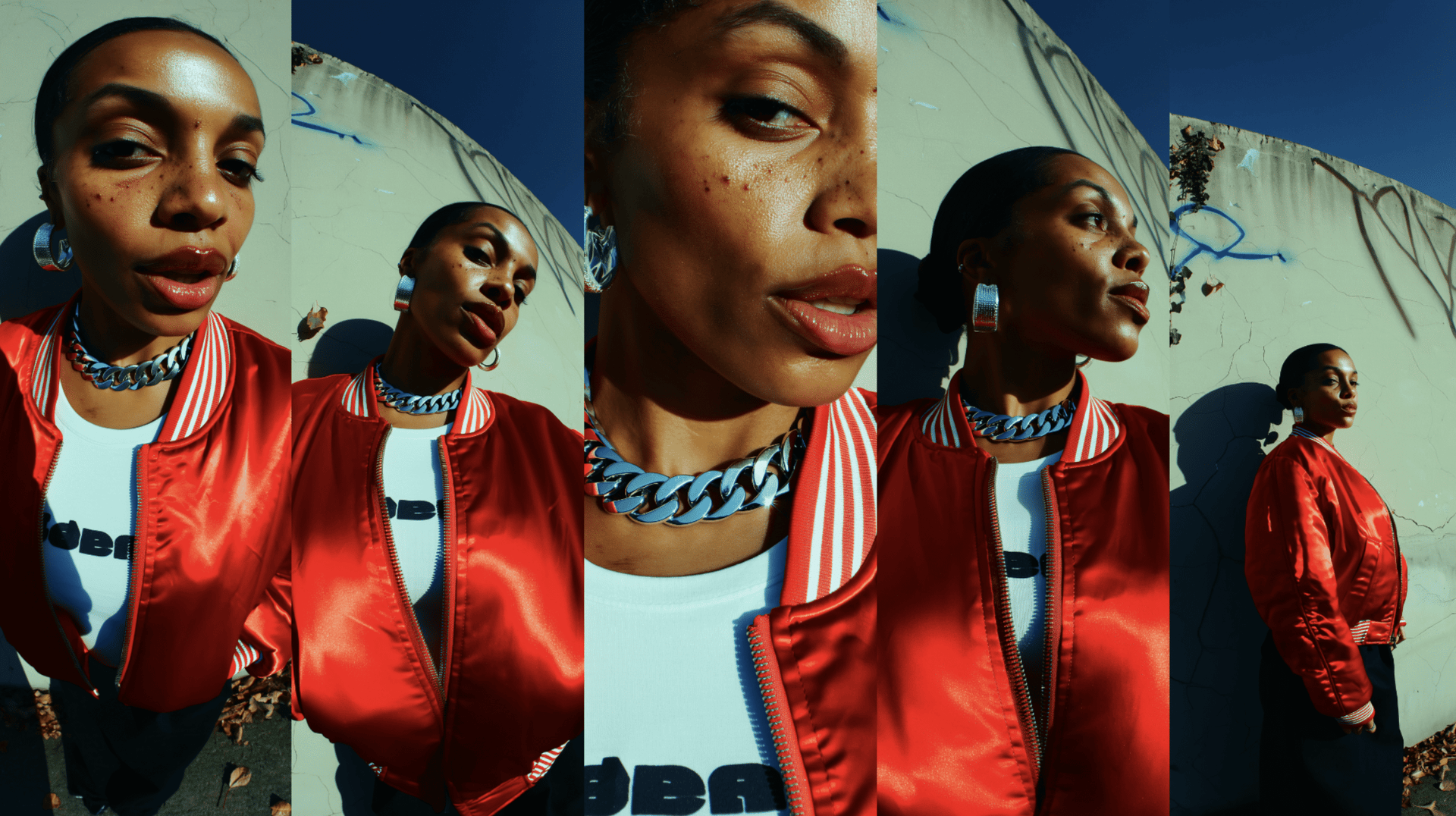
Faces drift between frames because the model has no memory of the previous one. Every frame a video model generates is a fresh interpretation of the prompt, not a continuation of a stored identity. A text description like "a woman with dark hair and sharp features" can produce hundreds of valid faces, and the model picks a slightly different one each time it generates. Across a multi-shot sequence, that drift compounds: the face in shot one and the face in shot seven are technically both valid interpretations of the same text, but they do not look like the same person.
Training data has real gaps around hands specifically. Hands appear in training footage in an enormous range of positions, gripping, pointing, resting, gesturing mid-sentence, and many of those positions are partially occluded by the object being held, other body parts, or motion blur from natural movement. That means the model has seen fewer clean, unambiguous examples of exactly what a hand looks like in a given position than it has seen for a face looking mostly forward at a camera. The gap in training coverage shows up directly as inconsistent finger count and joint structure in generated hands.
An overloaded prompt gives the model too many things to resolve at once. A prompt that tries to describe the face, the hand gesture, the object being held, the lighting, and the camera movement all in one dense paragraph forces the model to divide its attention across everything simultaneously. Hands and faces, already the hardest parts of the frame to get right, are the first details to degrade when the model is also trying to resolve five other things in the same generation.
5 Tips to Avoid Broken Hands and Faces
Fix | What you do | What it removes |
|---|---|---|
Replace face description with a trained identity | Train Soul ID 20+ reference photos, apply across every generation | The model's need to reinterpret "a woman with dark hair" fresh each time |
Use Cinema Studio to control framing | Set lens, focal length, and aperture based on how much of the frame the hand or face occupies | Ambiguity about how much structural detail the model needs to resolve at that scale |
Describe start and end states, not motion | State the hand's exact position before and after, not the gesture itself | The open-ended motion path the model would otherwise have to invent |
Choose a model built for multi-reference input | Upload a reference image of the exact hand position alongside the character reference on Seedance 2.0 | The need to approximate a gesture from text alone |
Keep the prompt focused on the hardest detail | Describe the hand or face first, with the most specific language, before secondary details | Competition for the model's attention from background, lighting, and wardrobe details |
Step by Step: Soul ID+Cinema Studio
Step 1: Train a Soul ID. Upload 20+ reference photos of the real person who needs to appear consistently. Vary the angle and lighting across the photos so the trained identity holds up under different generation conditions later. Training takes 5 to 10 minutes.
Step 2: Set the Cinema Studio parameters for the shot. Choose the genre, lighting preset, lens, focal length, and aperture based on how much of the frame the hand or face occupies. A close macro shot on a hand needs a different depth of field than a wide shot where the face is a smaller part of the frame.
Step 3: Attach a reference image alongside the trained Soul ID. If the shot involves a specific hand gesture or object interaction, upload a reference image of that exact position. This gives the model real visual material for the hardest detail in the shot, not just the trained identity for the face.
Step 4: Write the prompt around start and end states. Describe the hand or face position at the beginning of the shot and the position at the end, rather than describing the motion itself. Keep this description first in the prompt, ahead of secondary details like background and wardrobe.
Step 5: Generate and check the hardest detail first. Review the hand or face before checking anything else in the frame. If it holds up, the rest of the shot is very likely fine. If it does not, adjust the reference image or the start/end description before touching anything else.
Settings Reference
Tool | Key capability | What it fixes for hands and faces |
|---|---|---|
Soul ID | Trains identity from 15-20 reference photos | Face reading as a different person shot to shot |
Soul ID | Works across Kling 3.0, Veo 3.1, Seedance 2.0, WAN 2.6 | Same face holding across every model, not just one |
Soul ID | Persists across Cinema Studio, Marketing Studio, LipSync Studio | No re-uploading a face reference per tool |
Cinema Studio | Per-shot camera control (not text-described) | Framing decisions that control how much hand or face detail the model must resolve |
Cinema Studio | 6 lens options, 5 focal lengths, 3 aperture settings | Depth of field and scale, so a close macro hand shot gets a different setup than a wide face shot |
Cinema Studio | 10 camera movement styles | Predictable motion paths, reducing the ambiguous mid-gesture guessing that produces extra fingers |
Seedance 2.0 | Up to 9 reference inputs per generation | Real visual material for a hand position or face, instead of a text approximation |
What Happens Without a Trained Identity
Try running the exact same prompt through generation twice, same character description, same scene, same everything, but with no trained Soul ID behind it. What comes back is different faces. Not close variations of the same person, but four people who happen to share a text description. Below is the reference we generated this way on Seedance 2.0 through Cinema Studio, and what actually came out on each run.